Skip to main content Skip to page footer

InnoTech Atira

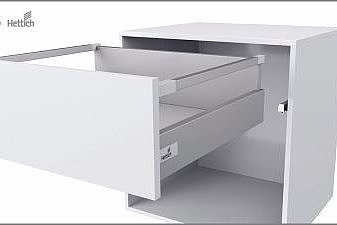
The InnoTech Atira drawer system makes a feature of its its fullness of character and in doing so offers individual potential for creativity.

Installation

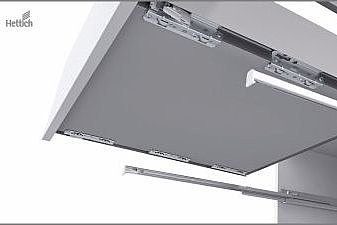
The manuals show you how easy the installation is.

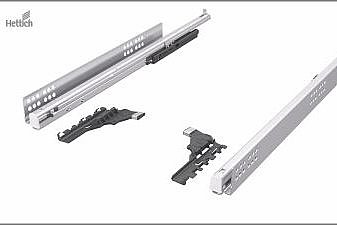
  • drawer

    • Video

      Video, MOVINGIMAGE, 25 B

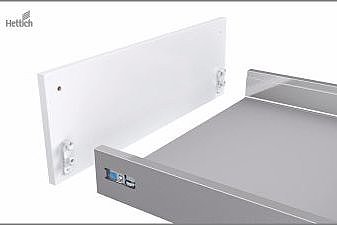
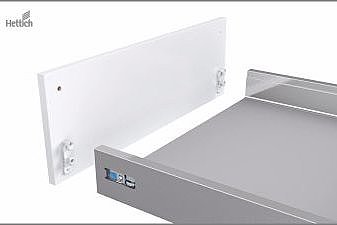
  • Front panel (drawer)

    • Video

      Video, MOVINGIMAGE, 25 B

  • Front panel pot-and-pan drawer

    • Video

      Video, MOVINGIMAGE, 25 B

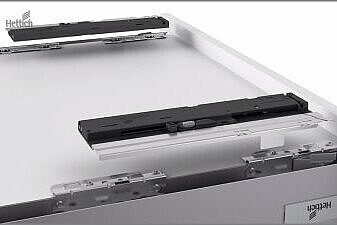
  • Push to open Silent activator

    • Video

      Video, MOVINGIMAGE, 25 B

  • Push to open Silent - unit & drawer

    • Video

      Video, MOVINGIMAGE, 25 B

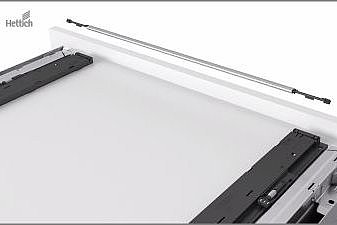
  • Push to open Silent synchronisation bar

    • Video

      Video, MOVINGIMAGE, 25 B

Removal

Removal of the drawer systems is also easy to realise.

  • drawer

    • Removal

      Video, MOVINGIMAGE, 25 B

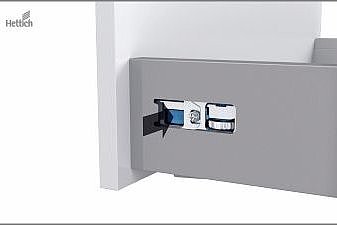
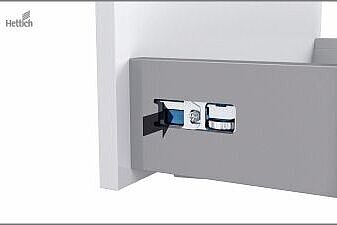
  • Front panel (drawer)

    • Removal

      Video, MOVINGIMAGE, 25 B

  • Front panel pot-and-pan drawer

    • Removal

      Video, MOVINGIMAGE, 25 B

Adjustment

Select the desired setup.

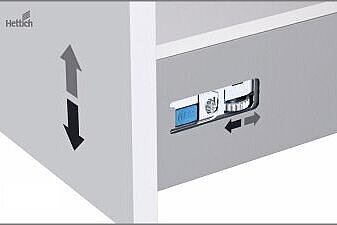
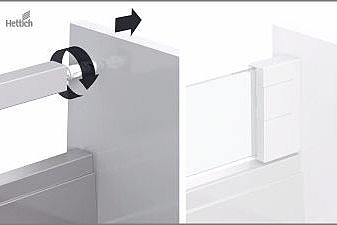
  • Height adjustment

    • Video

      Video, MOVINGIMAGE, 25 B

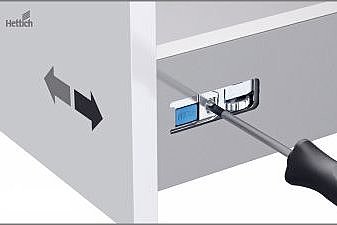
  • Side adjustment

    • Video

      Video, MOVINGIMAGE, 25 B

  • Tilt (pot-and-pan drawer)

    • Video

      Video, MOVINGIMAGE, 25 B

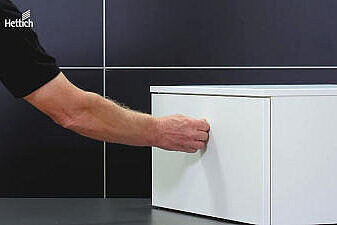
  • Push to open Silent

    Tips for correct setup during initial installation

    • Drawer opens again after closing

      Video, MOVINGIMAGE, 22 B

    • Drawer barely opens when actuated

      Video, MOVINGIMAGE, 22 B

    • Drawer does not close

      Video, MOVINGIMAGE, 22 B

    • Drawer does not open when actuated

      Video, MOVINGIMAGE, 22 B

    • Drawer only opens when actuated in the lower area

      Video, MOVINGIMAGE, 22 B

    • Drawer only opens with central actuation

      Video, MOVINGIMAGE, 22 B

    • Drawer opens too short

      Video, MOVINGIMAGE, 22 B